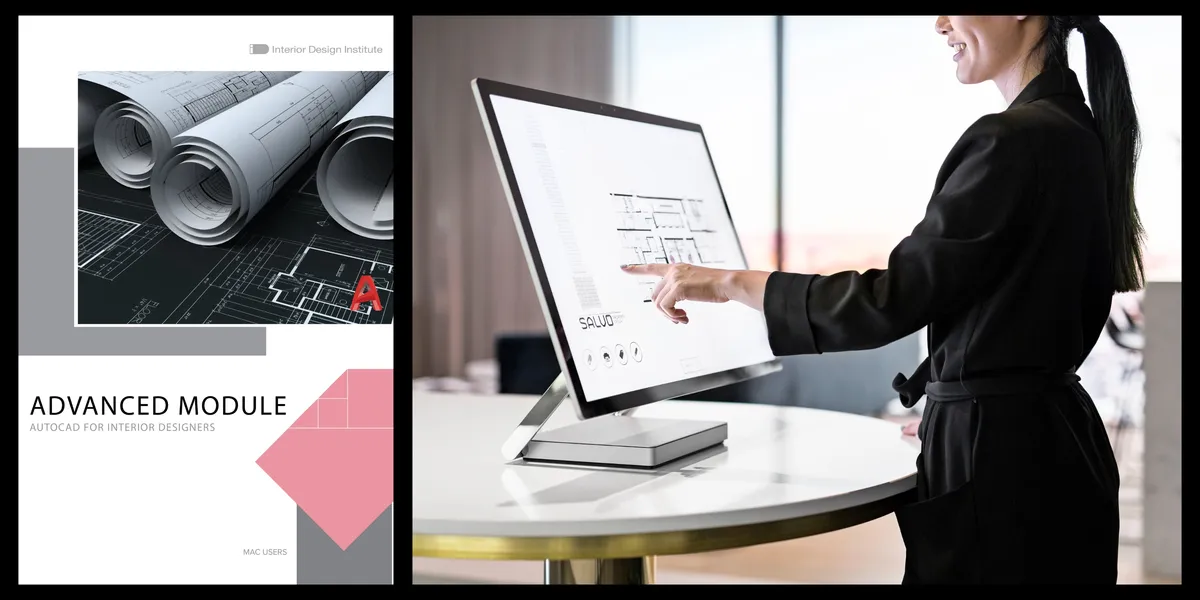
AutoCAD for Interior Designers – Advanced Module
Elevate your floor plans by mastering AutoCAD, the industry-leading software for computer-aided design.
Our AutoCAD for Interior Designers Advanced Module gives you the technical confidence to draft, refine, and present professional drawings with accuracy and clarity.
Guided by instructor Laura Encinas, you’ll learn the essentials of AutoCAD through a user-friendly, step-by-step approach. This module equips you with the practical skills needed to become proficient in the software, including access to new instructional videos created to support your learning.
Whether you’re enhancing your existing design workflow or preparing to work professionally with CAD drawings, this module helps you build a strong digital drafting foundation.
Develop the Digital Drafting Skills Every Designer Needs
Professional-level CAD drawings are essential in today’s interior design industry.
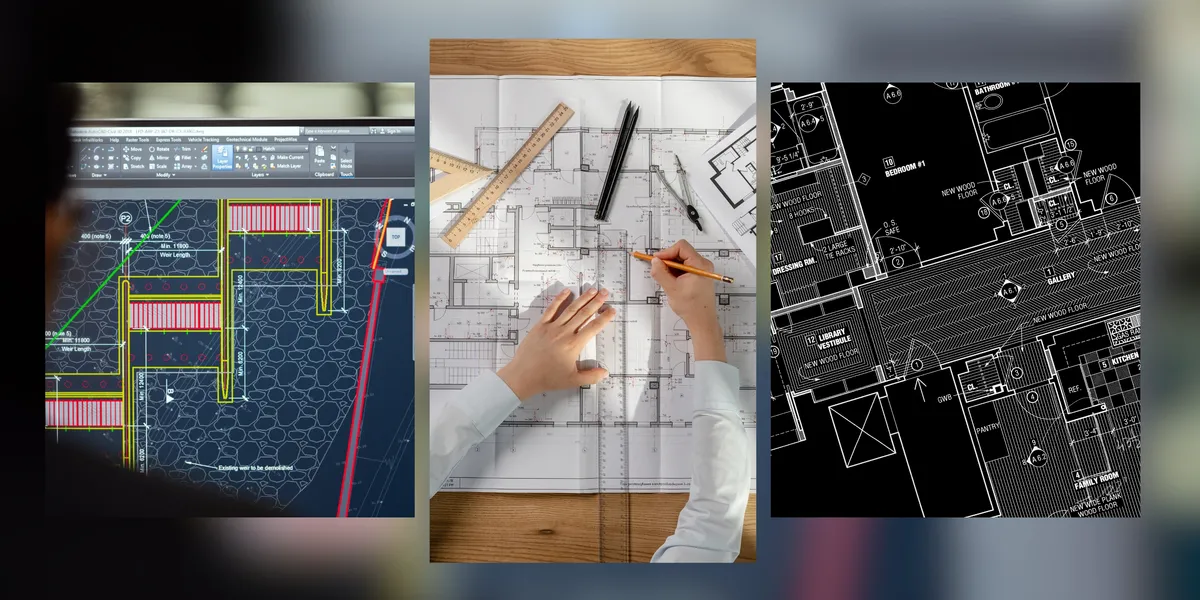
This module takes you through AutoCAD’s most important tools and workflows—from navigating the interface and customising your workspace, to building advanced floor plans, working with blocks, hatches, lighting plans, annotations, and layouts.
You’ll learn how to create your own template files, produce precise technical drawings, and prepare layouts ready for client presentations or professional submissions.
Module Topics
In this module, we will cover the following topics and beyond:
- Installation and Workspace Setup
- Fundamentals of Drawing Commands
- Modifying Commands
- Navigation and View Controls
- Template Creation
- Advanced Drawing Techniques
- Using Textures and Hatches
- Creating and Managing Blocks
- Electrical Plans and Annotation Systems
- Plotting and Printing Drawings
- Preparing Polished Layouts and Title Blocks
- Using Shortcuts to Streamline Workflow
- Incorporating AutoCAD into Your Design Process
Module Outcomes
By completing the AutoCAD for Interior Designers Advanced Module, you will:
- Create precise digital drawings using AutoCAD with confidence, and build accurate floor plans and layouts.
- Apply advanced drafting tools effectively and produce electrical plans.
- Prepare annotations and technical details and create presentation-ready layouts for clients.
- Develop a streamlined workflow for efficiency and use a personalised template for future projects.
- Produce technical drawings that enhance your professional interior design portfolio.
Ready to Elevate Your Drafting Skills?
This AutoCAD for Interior Designers Advanced Module is available exclusively to students enrolled in our online Interior Design Course.
You’ll also receive a free six-month course extension and the support of a dedicated tutor to guide you through the learning experience.
If you’re ready to master the tools behind professional technical drawings and elevate the quality of your design work, this module is the perfect next step.
Join us and gain the clarity, accuracy and technical confidence to bring your ideas to life through AutoCAD.
Discover the Advanced Modules
Explore our outline page to learn more about the other advanced modules.
View Course Outline


 Argentina
 Australia
 Austria
 Belgium (FR)
 Bolivia
 Canada (FR)
 Chile
Chile
 Colombia
 Costa Rica
 Ecuador
 France
 Germany
 Hong Kong
 India
India
 Indonesia
 Ireland
 Japan
Japan
 Mexico
 Netherlands
 New Zealand
 Paraguay
 Peru
Peru
 Philippines
 Qatar
Qatar
 Singapore
 South Africa
 Spain
Spain
 Switzerland (FR)
 United Arab Emirates
 United Kingdom
 United States (ES)
 Uruguay


